

Coollage
FreeYour photos, arranged into little masterpieces.

Screenshots


What makes it special
Smart Auto Collage
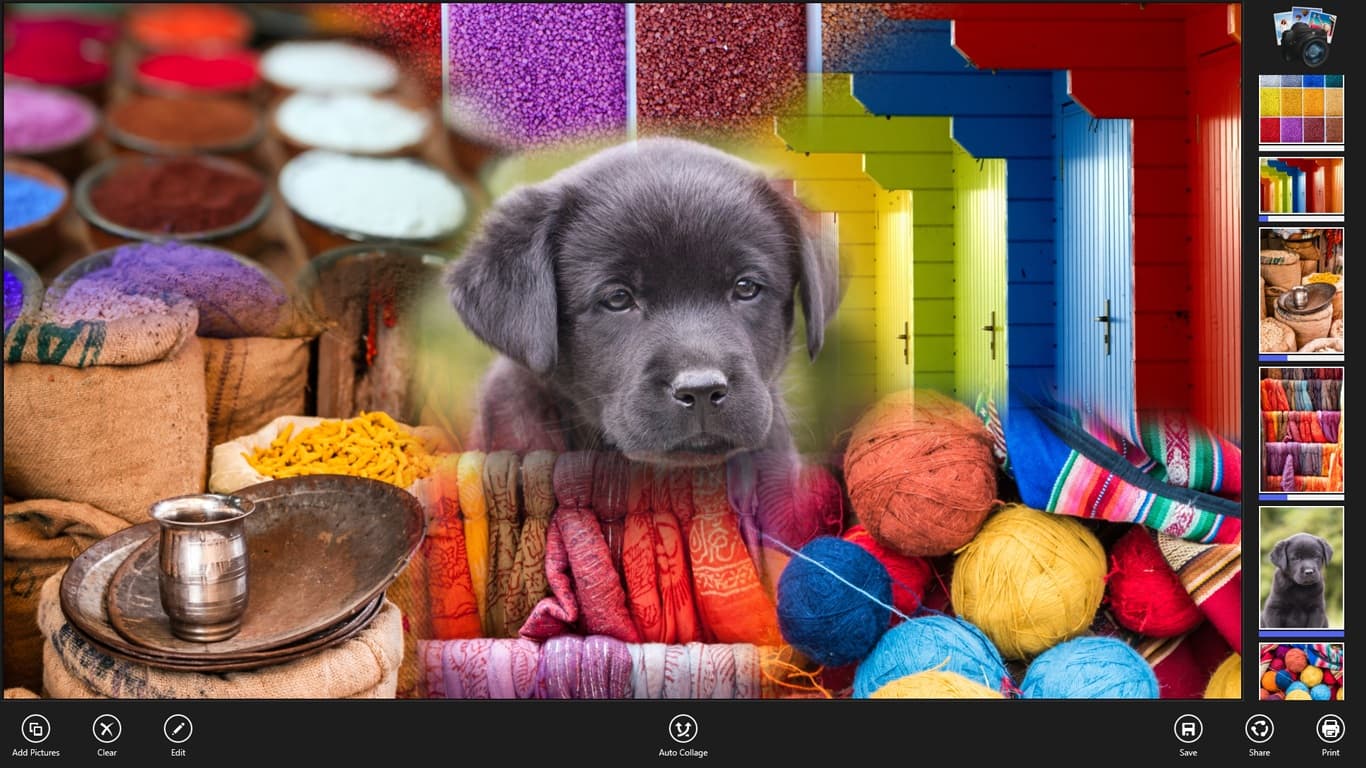
One tap and your photos snap into a smart layout. Rearranging is allowed — we won't be offended.
Pinch, drag, done
Move and resize every picture with touch, mouse or wheel. Deeply satisfying.
Share it your way
Send it, save it, or print it big enough for grandma's wall.
One tap. One collage. Zero fuss.
Pick the pictures you love and Coollage instantly combines them into a smart layout. There are no templates to fight and no manuals to read — the first collage is ready before your coffee gets cold.
Every photo stays under your control: drag it, pinch it, resize it with touch, mouse or scroll wheel until the whole thing makes you grin.
Made to leave the screen
A collage this nice shouldn't live in a folder. Save it, share it with the family chat, or print it big enough for grandma's wall.
Coollage is free on Windows 10 and 11. The optional upgrade removes ads and the watermark — that's it, no subscriptions, no accounts.
Frequently asked questions
Is Coollage free?
Yes — Coollage is a free download from the Microsoft Store. The free version shows ads and adds a small watermark; an optional in-app upgrade removes both. No subscriptions.
Do I need an account?
No. There is nothing to sign up for — install the app, pick your photos and start arranging.
How do I edit the collage?
Every photo stays under your control after the automatic layout. Drag to move, pinch or scroll to resize — with touch, mouse or the wheel, whatever your device has.
Can I print my collage?
Yes. Print straight from the app, save the collage as an image, or share it with any app on your device.
Get Coollage
Your photos, arranged into little masterpieces.