

Photo Privacy Sweep
FreeSee what your photos reveal, remove private metadata, and verify clean copies—all on your PC.
Screenshots
What makes it special
See private details at a glance
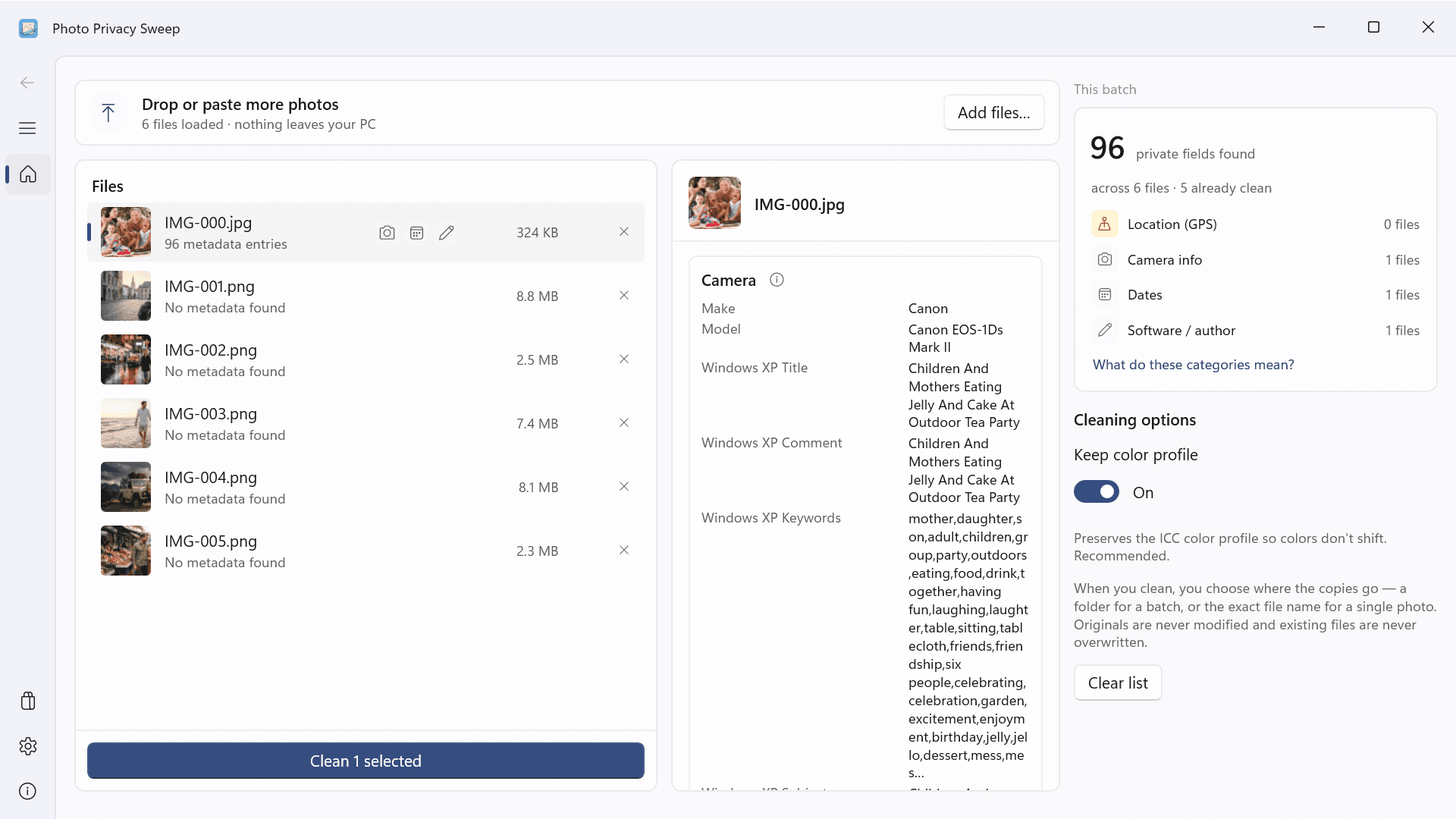
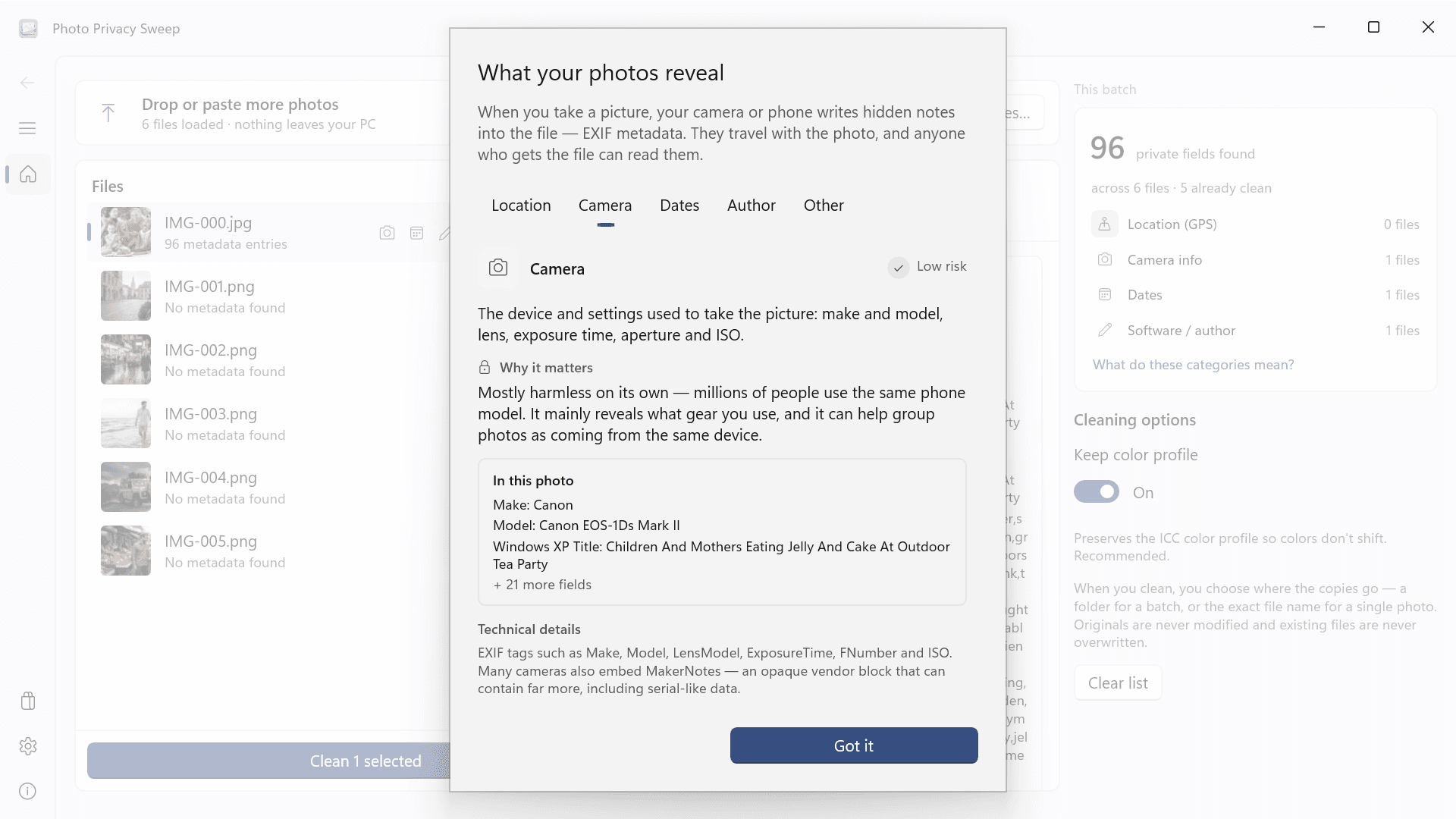
Review each file with flags and grouped details for location, camera, dates, author or software, and other privacy-relevant fields.
Clean each format appropriately
Remove metadata directly where possible, and use careful re-encoding or conversion only when a format or photo orientation requires it.
Keep originals untouched
Every result is a new file. Existing files are never overwritten, and name collisions receive a numbered suffix.
Verify before you share
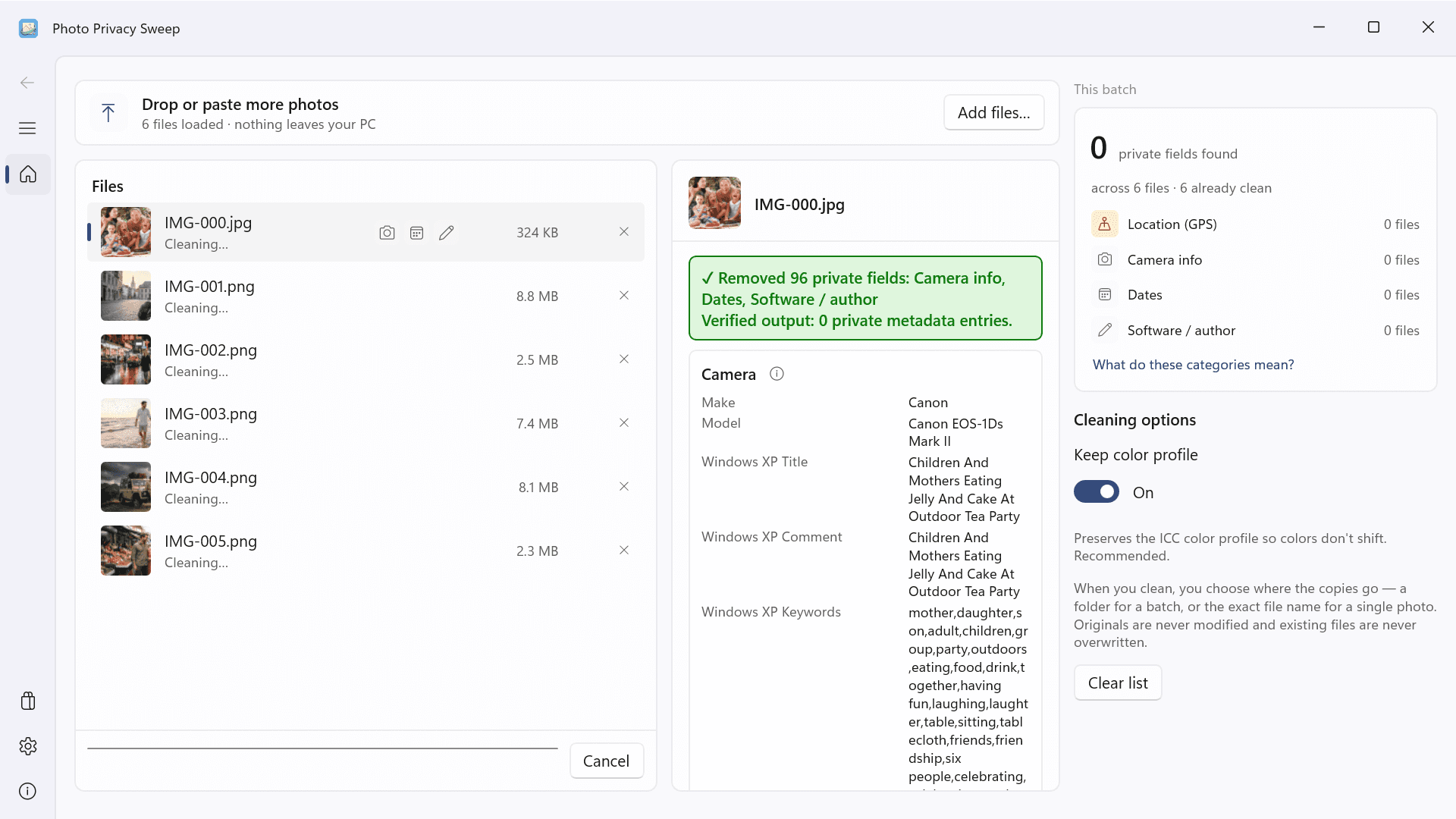
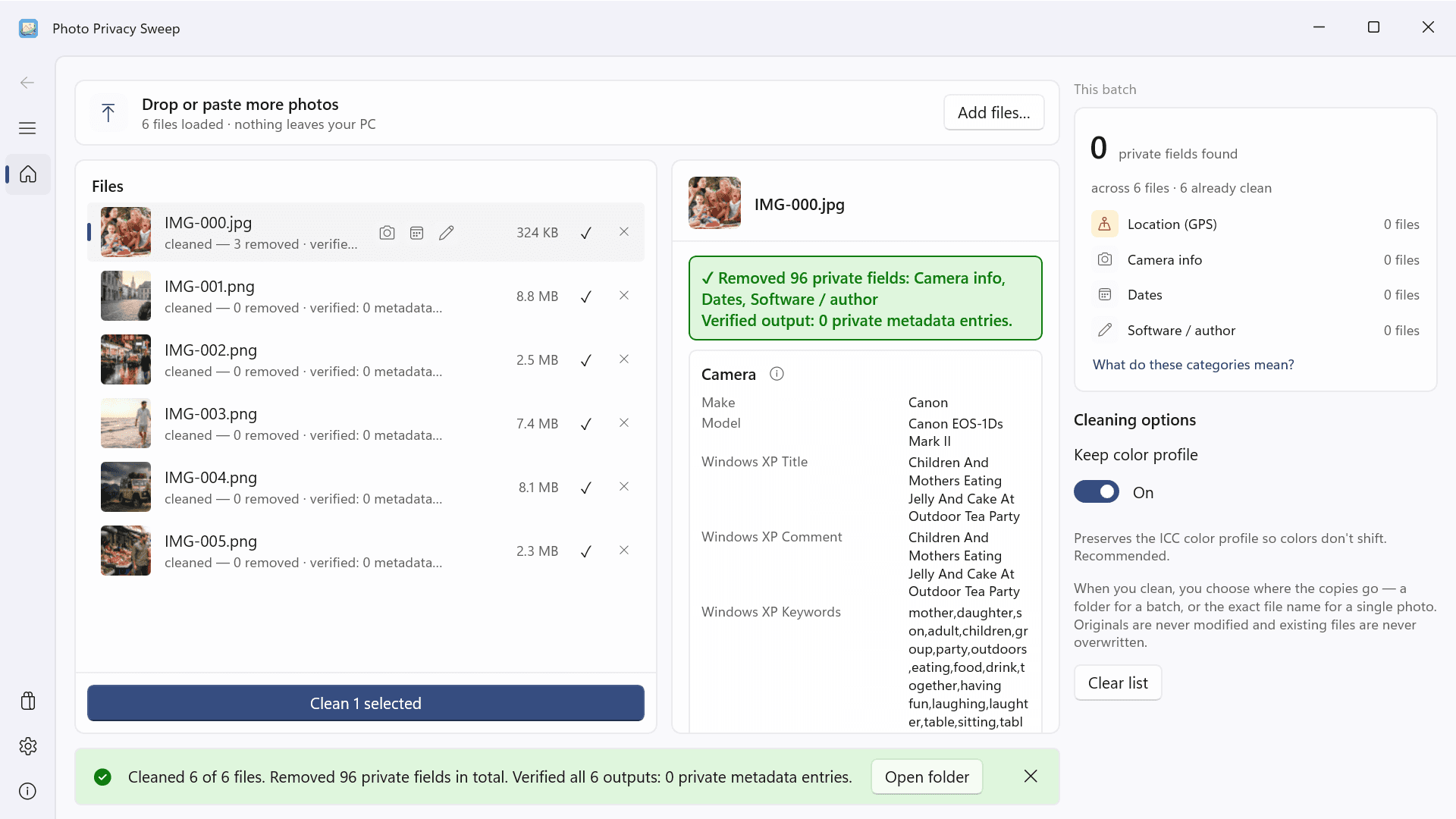
Every output is inspected again and only reports success after the app finds zero removable metadata entries.
Work locally by design
Inspection and cleaning happen on your Windows PC, with no account, internet permission, ads, purchases, or transmitted telemetry.
Handle more than one photo
Add files or folders, clean a selection or a full batch, and follow progress, cancellation, and results for each file.
Understand what travels with a photo
Photos can contain more than pixels. Photo Privacy Sweep reads privacy-relevant metadata and presents it in clear groups: GPS and place data, camera and lens information, dates, author or software identifiers, and other fields such as comments or embedded thumbnails. The summary makes it easy to see which files deserve attention before they leave your PC.
Create a clean copy, not a changed original
Choose a photo or a batch, select where the new files should go, and start cleaning. Normal-orientation JPEGs remove metadata without re-encoding the image data; a color profile can be retained. PNG metadata chunks are removed directly. TIFF, BMP, and static GIF are re-encoded without copied metadata, WebP becomes PNG, and HEIC/HEIF becomes JPEG. Your source file is never overwritten or deleted.
Finish with evidence
Photo Privacy Sweep reads every output again after processing. A result is reported as successfully cleaned only when verification can read it and finds zero removable metadata entries. Required compatibility structures are shown separately. Everything is processed locally, with no account or internet permission.
Version 1.0.0.0
The first release candidate includes grouped metadata inspection, format-aware clean copies, output verification, batch progress and cancellation, and English and Spanish app resources. Its Microsoft Store publication date is still to be confirmed.
Frequently asked questions
What metadata can Photo Privacy Sweep remove?
For JPEG, it removes APP metadata segments and comments, covering EXIF, XMP, IPTC, embedded thumbnails, and similar payloads; it can retain an ICC color profile. For PNG, it removes tEXt, zTXt, iTXt, eXIf, and tIME. TIFF, BMP, static GIF, WebP, and HEIC/HEIF use a fresh encode or conversion without copied metadata. Proprietary or unsupported hidden payloads are not guaranteed.
Will it change my original photos?
No. The app writes a new output, never overwrites the source, and adds a numbered suffix if the chosen name already exists. Temporary output is moved into place only after successful processing and verification.
Which image formats are supported?
Accepted inputs are JPEG, PNG, BMP, static GIF, single-page TIFF, WebP, HEIC, and HEIF. WebP outputs PNG; HEIC/HEIF outputs JPEG at quality 95. Those formats depend on a compatible Windows codec. Animated GIFs and multi-page TIFFs are rejected rather than silently losing content.
Is every JPEG cleaned without quality loss?
No. JPEGs with normal or no orientation are stripped without re-encoding. Orientations 2–8 must be applied to the pixels to keep the image displayed correctly, so those files are re-encoded at quality 95.
Can a cleaned file still contain technical structures?
Yes. JFIF, Adobe color metadata, and an optional ICC color profile can remain for decoding or color compatibility. They are reported separately and do not count as private metadata entries.
Does the app need an account or internet connection?
No account is required, and inspection and cleaning do not use the internet. Version 1 has no ads, subscriptions, in-app purchases, or transmitted telemetry. Website or Store links can open externally, but your photos are not sent with them.
Coming soon to the Microsoft Store
See what your photos reveal, remove private metadata, and verify clean copies—all on your PC.